How Can You Integrate Wireless Surround Sound with Existing AV Systems?
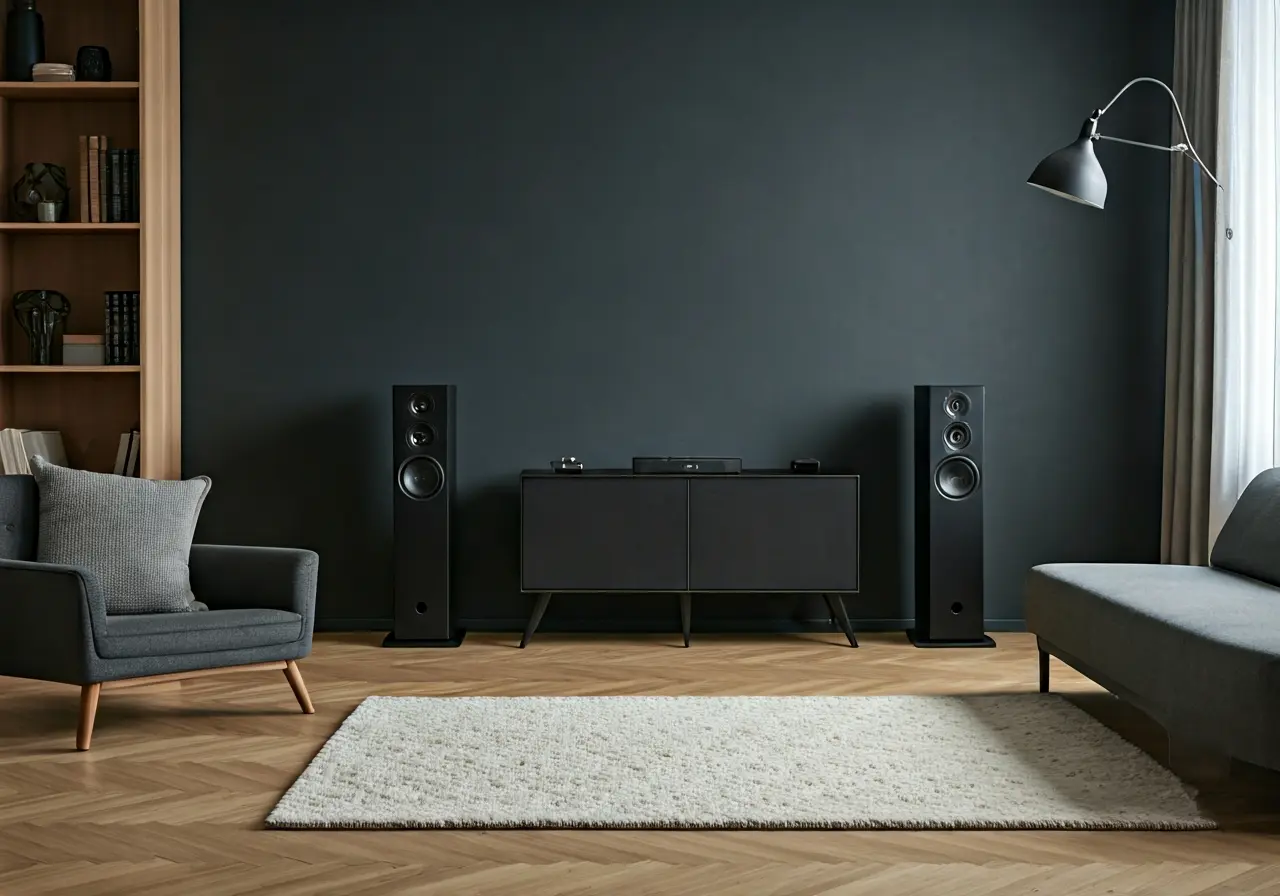
Integrating wireless surround sound into your existing AV system can elevate your audio experience without the hassle of complicated setups or a mess of cables. In this FAQ, we’ll break down the steps you need to take to seamlessly integrate wireless surround sound with your current equipment.
Assess Your Current AV System
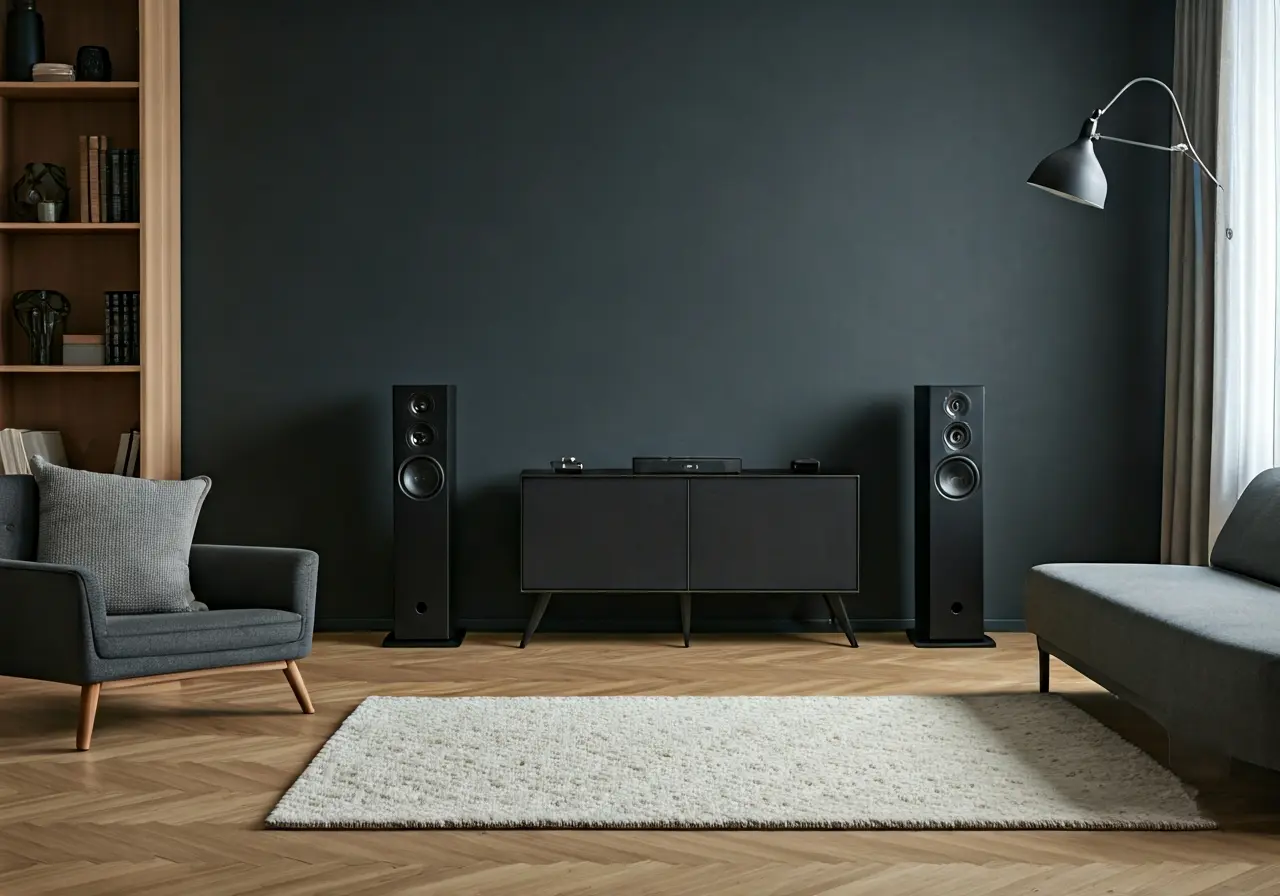
Begin by evaluating your current AV system. Identify the components you have, such as AV receivers, speakers, and any existing wireless capabilities. This will help determine what you need to integrate wireless surround sound.
Consider the age and compatibility of your components. Older systems might lack the necessary connectivity options, like Bluetooth or Wi-Fi, which are essential for integrating modern wireless speakers.
Check if your AV receiver has support for additional speaker outputs. If not, you might need to replace it with a more advanced model that accommodates wireless connectivity.
Choose Compatible Wireless Speakers
Select wireless speakers that are compatible with your existing system. Ensure they support the same audio formats and are capable of connecting with your AV receiver or hub.
Research different wireless speaker options that offer seamless integration features. Look for reviews and recommendations to find speakers that deliver excellent sound quality and are easy to set up.
Ensure the speakers you choose are within your budget and offer the features you desire, like voice control or multi-room audio.
If you’re unsure which speakers to buy, consider consulting an audio specialist or visiting a showroom to experience different options in person.
Set Up a Wireless Hub or Receiver
Consider using a dedicated wireless audio hub or an AV receiver with built-in wireless capabilities to act as the central point for your wireless audio system.
A wireless hub is beneficial if your current receiver lacks wireless capabilities. It can connect multiple wireless speakers, enabling a smoother audio experience.
Make sure your hub or receiver is capable of handling the audio formats and codecs used by your wireless speakers to prevent any compatibility issues.
Connect and Configure Your Devices
Connect your wireless speakers to the hub or AV receiver. Follow the manufacturer’s instructions to configure them within your existing setup, ensuring they are correctly positioned for optimal sound.
Position your speakers based on the room’s layout. Proper positioning can greatly impact sound quality, so consider experimenting with different setups for the best results.
Utilize any available apps that come with your speakers for simplified configuration and control, allowing you to adjust settings easily from your smartphone or tablet.
Test and Optimize Sound Quality
Once connected, test your audio system to ensure all components are working together smoothly. Make adjustments to speaker placement and settings to achieve the best sound quality.
Listen to a variety of music genres and movie scenes to evaluate the performance of your system. This will help you identify areas where the sound can be improved.
Remember to periodically update the firmware of your wireless speakers and hub. These updates can bring new features and improve sound quality.
Achieving Seamless Wireless Audio Integration
By following these steps, you can enjoy the immersive audio experience of wireless surround sound in your existing AV system with minimal fuss. Enhance your home entertainment setup and enjoy superior sound quality that complements your lifestyle.