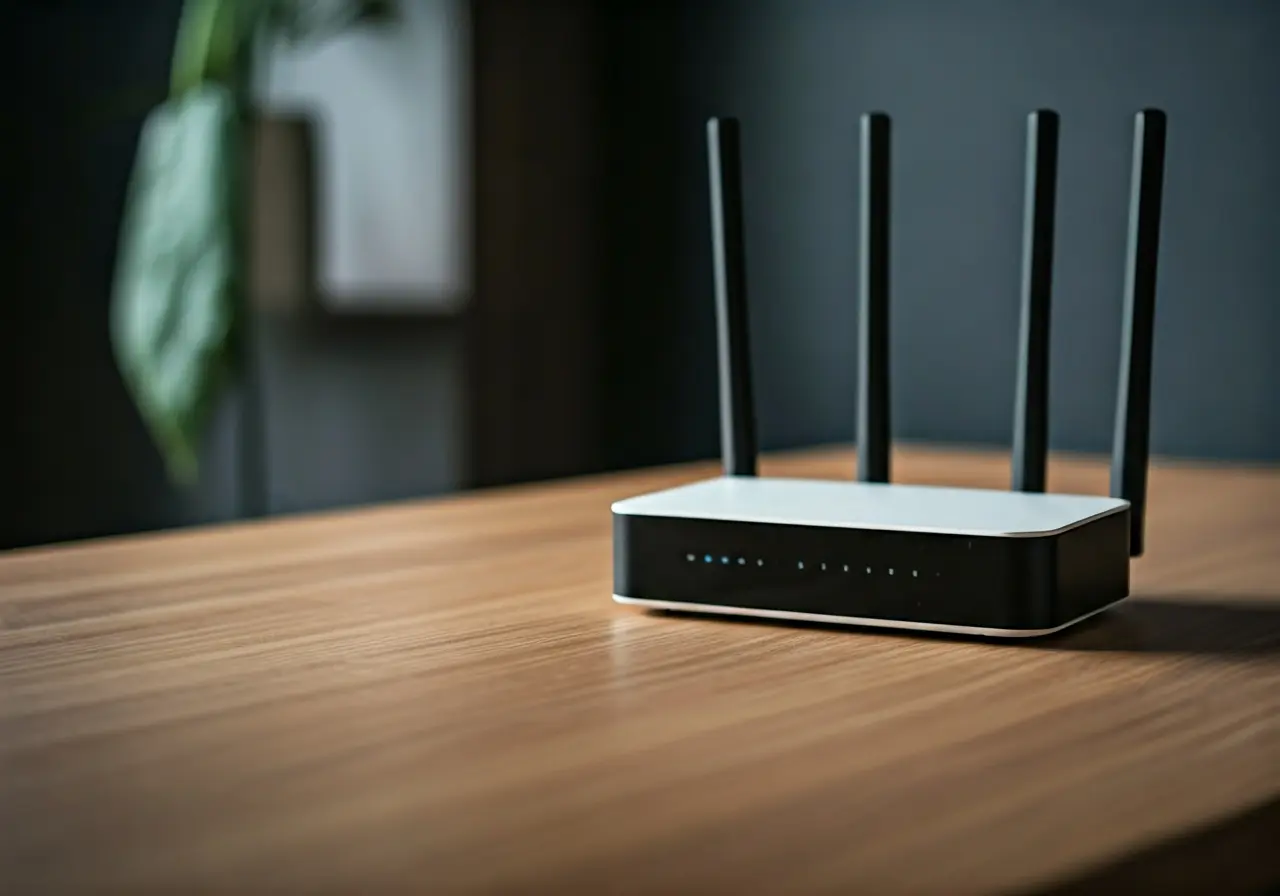
7 Simple Steps to Enhance Your Home Network Setup
In today’s digital age, having a strong and stable home network is essential. Whether you’re streaming your favorite shows, working remotely, or just surfing the web, a reliable network can make all the difference. Let’s dive into some straightforward steps you can take to boost your home network setup.
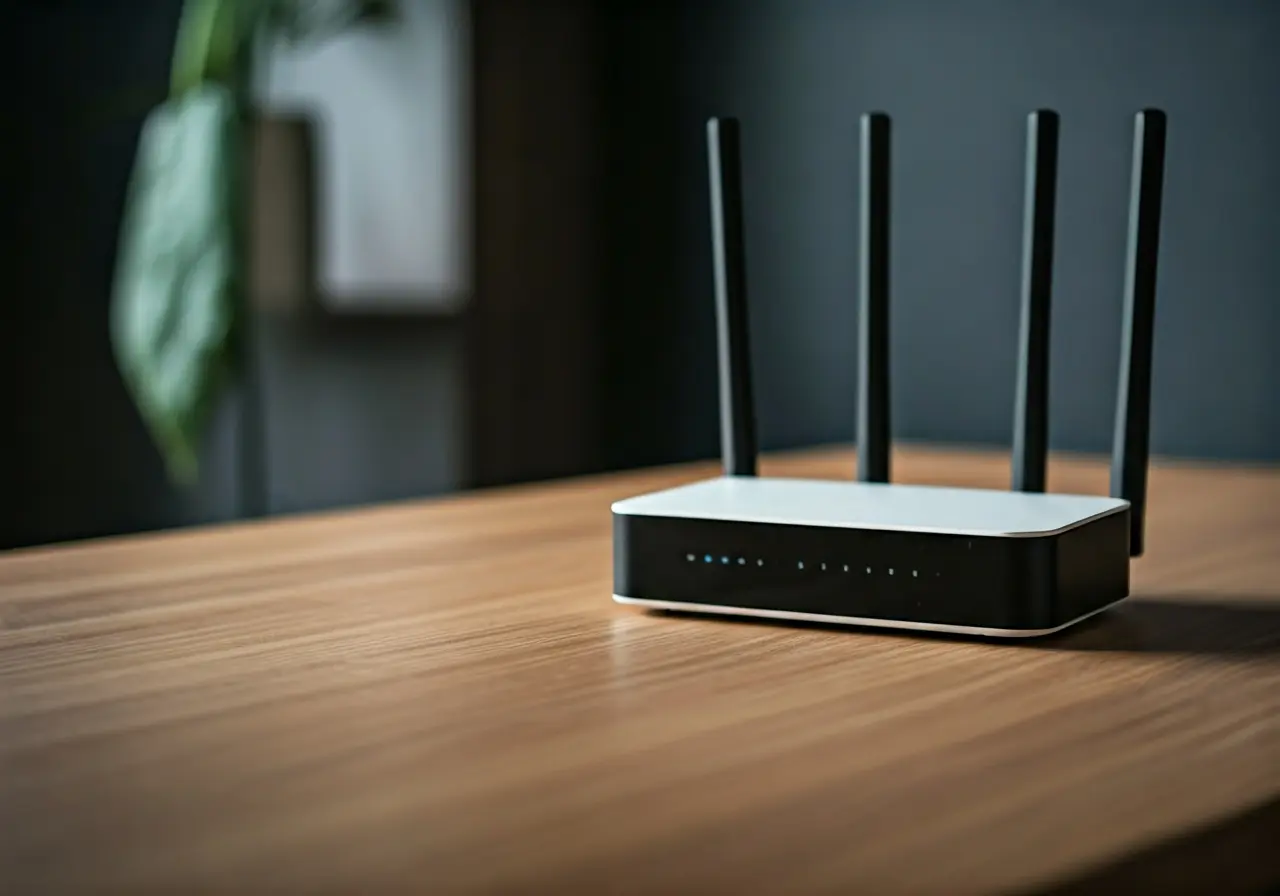
1. Assess Your Current Setup
Start by evaluating your existing network infrastructure. Identify the modem, router, and connected devices to understand the current setup’s strengths and weaknesses.
A thorough assessment will help you identify any bottlenecks that might be affecting your network’s performance. Check the age of your devices and whether they support modern technologies essential for delivering high-speed internet. Often, outdated hardware can be a major hurdle in achieving optimal network efficiency. Remember, your network is only as strong as its weakest link, so pay close attention to each component.
2. Position Your Router Strategically
Finding the right spot for your router can greatly influence signal strength. Place it centrally in your home, away from walls and appliances that may interfere.
Environmental factors significantly impact your Wi-Fi signal. Large metal objects, such as refrigerators, or thick concrete walls can block or weaken the signal. To boost the range and performance of your wireless network, consider placing your router on a higher shelf or mounting it on a wall, ensuring it’s elevated and not obstructed.
3. Optimize Your Network Settings
Access your router’s configuration page and tweak settings like channel selection and bandwidth allocation to maximize performance.
Utilizing the lesser crowded frequencies can dramatically improve your network speed. You can use apps to scan for the best channels, reducing interference from neighboring networks. Additionally, give priority to important devices via QoS settings on your router, ensuring they receive sufficient bandwidth for seamless functionality.
4. Upgrade Your Router or Modem
If your equipment is outdated, consider investing in a newer model that supports the latest standards for faster and more reliable connections.
The technological landscape changes rapidly, and a router that was top-of-the-line a few years ago might not support today’s high-speed demands. Look for a model that offers dual-band or tri-band technology. This can help manage your network traffic more effectively, allowing multiple users to connect without experiencing a decrease in speed or performance.
5. Strengthen Network Security
Protect your network from unauthorized access by updating your network password and enabling features like WPA3 encryption.
Security should be a top priority in maintaining a healthy home network. Regularly update your firmware to patch vulnerabilities and consider setting up a guest network to keep your main network safe from visitors.
Consider using a VPN for added security, particularly if you have many IoT devices in your home. This encrypts your internet traffic, further safeguarding your privacy and that of your network devices, a crucial measure in preventing unauthorized access.
6. Expand Coverage with Extenders
For larger spaces, using WiFi extenders or mesh systems can help eliminate dead zones and ensure consistent coverage throughout your home.
Mesh systems offer a flexible solution for large homes, creating a blanket of coverage without the need for lengthy cables. They are often easy to set up and can be expanded by adding more nodes. When positioning these devices, be sure to place them equidistant from each other to maximize coverage and minimize signal drop.
7. Regular Maintenance and Updates
Keep your network running smoothly by routinely checking for firmware updates and performing regular reboots to clear temporary issues.
A quick restart can often fix minor connectivity issues. Set up a schedule for your router to reboot automatically during the night when no one is using the internet. This helps refresh the network and resolve temporary hiccups.