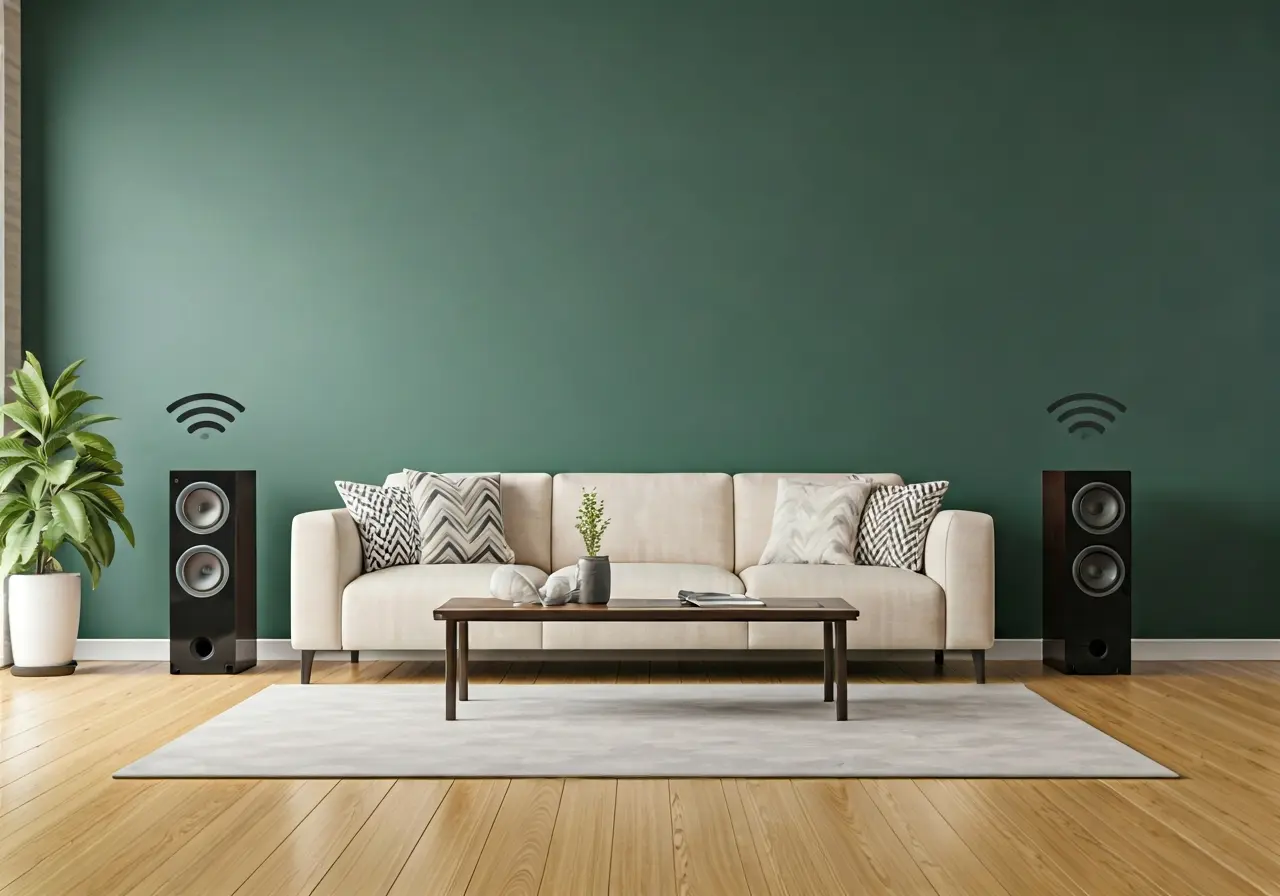
Seamlessly Integrate Wireless Rear Speakers for a True Cinematic Experience
Creating an immersive home theater experience doesn’t have to be complicated. One key element is integrating wireless rear speakers to enhance your 5.1 surround sound system. In this guide, we’ll walk you through the seamless integration of these speakers for a truly cinematic experience.
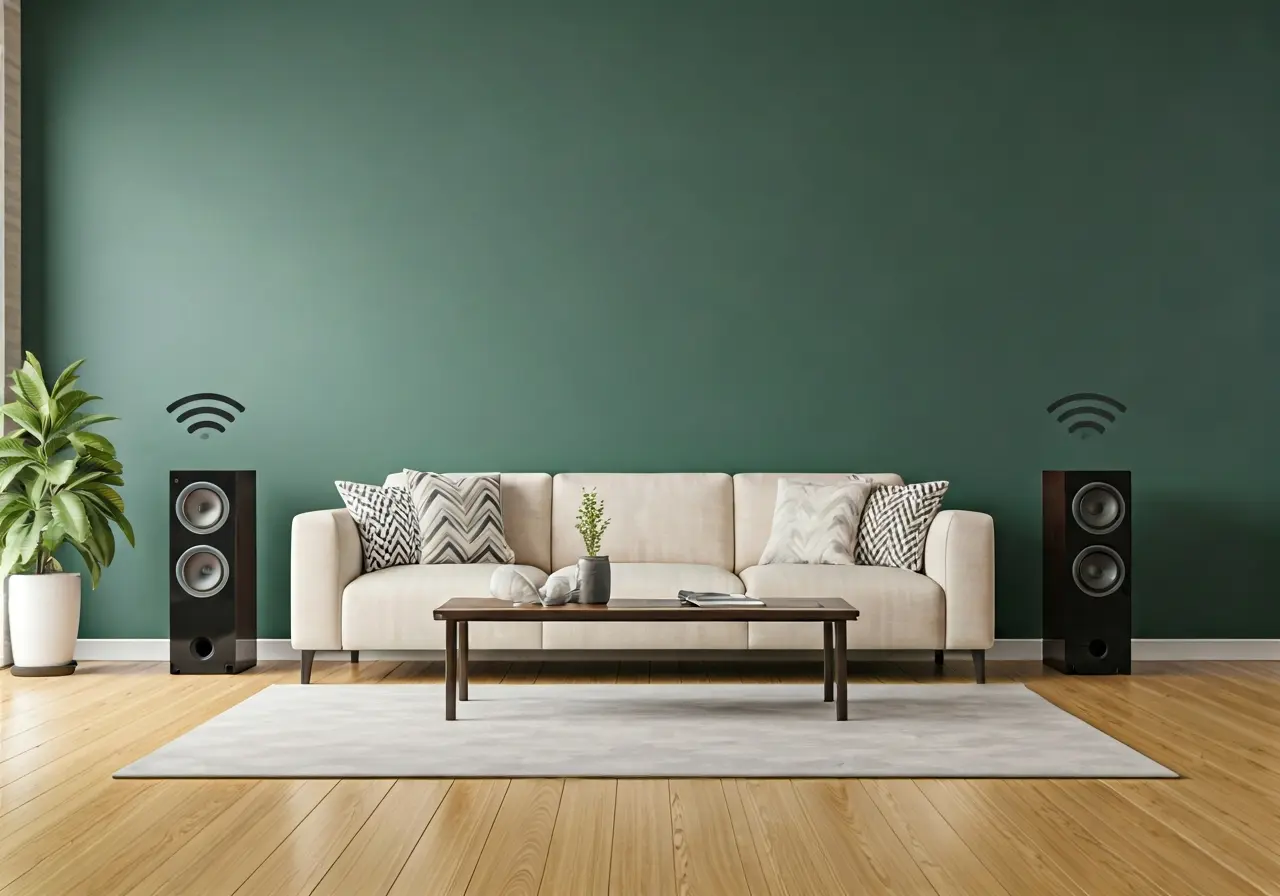
Understanding the Basics of a 5.1 Home Theater System
Before diving into the integration process, it’s important to understand the components of a 5.1 home theater system. This setup typically includes a center channel speaker, front left and right speakers, two rear speakers, and a subwoofer, creating a rich soundscape that enhances any viewing experience.
Each part of the system plays a critical role in delivering high-quality sound. The center channel speaker is often considered the most important, as it handles dialogues and vocals. The front speakers assist with music, special effects, and stereo sounds. Meanwhile, the rear speakers bring life to background noises and subtle audio cues usually missed with basic setups.
Besides, the subwoofer provides the deep bass tones that give body to explosions and intense scenes, making your entertainment experience pulsate with thrill. Each speaker must be strategically placed to replicate a theater-like experience, ensuring that their diverse output blends harmoniously wherever you’re seated.
Why Choose Wireless Rear Speakers?
Wireless rear speakers offer the freedom to position them without the restrictions of cable lengths. This flexibility allows you to optimize sound projection and maintain a clean, clutter-free environment, enhancing not only audio quality but also the aesthetics of your living space.
An additional advantage of wireless rear speakers is the ease of installation. With the absence of long, complicated wires, you could set up your rear speakers in places that are otherwise challenging with wired systems. Consider mounting them on walls or placing them on shelves to enhance the audio experience without compromising on style.
In modern homes, design and appearance are as crucial as functionality, and wireless options cater to this demand. They harmonize technology and aesthetics, providing unmatched elegance, especially in minimalist or open-concept living spaces.
Setting Up Wireless Rear Speakers
Learn how to connect your wireless speakers to the main audio system. Ensure compatibility with your existing setup and follow the manufacturer’s instructions for a smooth installation process. Position the speakers for optimal sound distribution, keeping in mind the layout of your room.
Placement is key. As you set up your speakers, imagine sound traveling from the source to every corner of your room. To achieve the best audio effect, consider the acoustic characteristics of the space before finalizing their positions. Avoid obstacles like large furniture pieces that might obstruct sound waves or create unwanted reflections.
Some speaker systems come with automatic room calibration features, which can simplify initial setup. This technology allows speakers to adjust their output based on the room’s dynamic, delivering consistent and high-command audio. Taking a little extra time for this setup phase ensures top-quality sound.
Optimizing Your Home Theater Sound
Once set up, it’s crucial to calibrate your speakers to achieve the desired sound balance. Use a sound meter or a mobile app to adjust audio settings, ensuring that every seat captures the cinematic magic. Regularly updating firmware and maintaining your devices can also enhance performance.
You can enhance sound synchronization by using room equalizers. These tools help in identifying frequency spikes and dips that may affect your overall listening experience. Fine-tuning settings to correct these irregularities brings about not just a loud but a well-balanced audio experience.
Troubleshooting Common Issues
Encountering issues is not uncommon, but most can be resolved with simple troubleshooting steps. Whether it’s connectivity problems or sound distortions, we’ll guide you through identifying and fixing common issues to keep your system running smoothly.
First, if you experience connection drops, ensure that there are no physical obstructions between your main system and the speakers. Cordless devices and network interferences from other electronics can impact signal strength, causing disruptions.
In the case of audio lag, syncing discrepancies can often be adjusted in the settings menu of your home theater setup. Refer to your system’s manual for guidance, or consult the online support from trusted forums or manufacturers’ resources.
Embrace the Magic of Wireless Sound
Integrating wireless rear speakers into your home theater system can transform your movie nights into an unforgettable cinematic experience. With careful planning and thoughtful setup, you can enjoy high-quality sound without the hassle of tangled wires. Follow these steps, and let the magic of surround sound wrap around you.