10 System Monitoring Tips for Better AV Integration
In today’s fast-paced technological world, ensuring seamless audio-visual (AV) integration is crucial for delivering high-quality experiences. Effective system monitoring is key to maintaining the performance and reliability of AV setups. Here are some practical and easy-to-understand tips to enhance your AV integration through better system monitoring.
1. Understanding Your AV System Components
Getting familiar with each part of your AV system is the first step to successful monitoring. Knowing what each component does helps you spot issues quicker and tailor your monitoring setup effectively. Each device in your setup, from microphones to projectors, has specific functionalities and limitations. Familiarizing yourself with their specifications and capabilities ensures you can customize your settings to suit your environment’s needs. Understanding these components can also help in predicting potential failure points and knowing when equipment might require maintenance or replacement.
Knowing your AV components well also allows you to create a baseline of normal operation. This baseline helps in identifying when something is off, be it due to wear and tear or external interference. By documenting this information, you can detect anomalies quickly, allowing for timely intervention before any critical issues arise. Embrace this fundamental comprehension as the backbone of your monitoring efforts, providing a solid foundation for all subsequent actions.
2. Setting Up Real-Time Alerts
Real-time alerts are a must-have. They promptly notify you about any system anomalies, allowing you to address potential issues before they escalate into major problems. Alerts can focus on a range of parameters, such as audio distortion, visual lags, or network outages. Setting up alerts that cater specifically to your AV components ensures that you never miss a critical warning. Remember, the key is to be alerted immediately, so maintaining proper notification settings and thresholds is crucial for effective real-time monitoring.
To optimize alerts, you can align them with the AV Performance Validation techniques, which focus on maintaining the audio-visual system’s integrity. This ensures any deviations from normal operations are caught swiftly. Through these techniques, you can fine-tune your alert system to notify you precisely when it is necessary, streamlining issue resolution processes and minimizing disruptions to your AV setup.
3. Leveraging Data Analytics
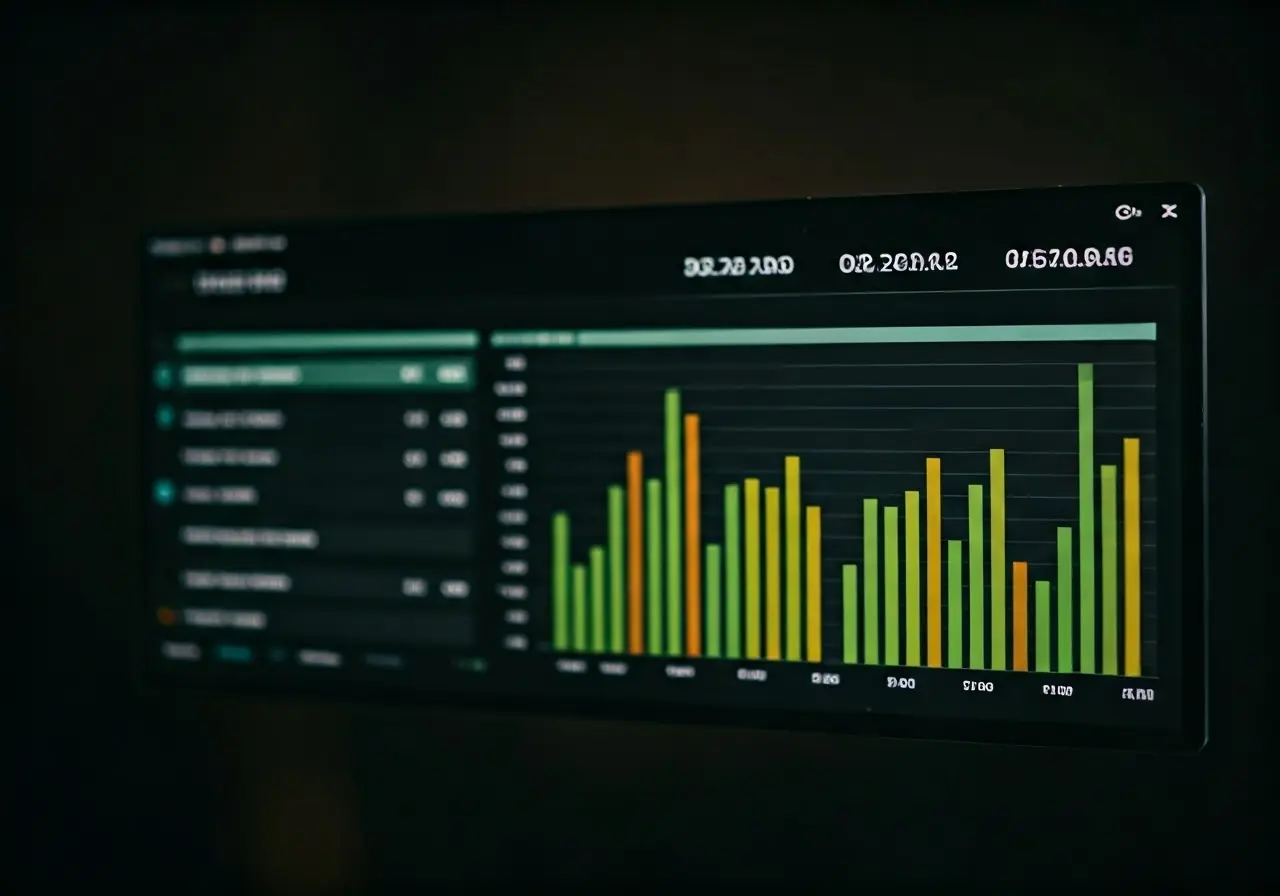
Utilize data analytics to gain insights into system performance trends. Analyzing data helps you understand system behavior and make informed decisions to optimize AV integration. By collecting analytics on usage patterns and system performance, you can uncover insights such as peak usage times, which AV features are most utilized, and where bottlenecks typically occur. Implementing analytics software designed for AV systems can automate data collection, enabling you to focus on interpreting the results and implementing necessary improvements.
Analytics also play a significant role in predictive maintenance, allowing you to anticipate which components will require attention based on trends rather than waiting for a failure. By leveraging this data, you ensure that your AV systems are running smoothly while minimizing unexpected downtimes. This proactive approach enables long-term savings both in terms of cost and system integrity, ultimately enhancing user satisfaction.
4. Conducting Regular System Audits
Routine audits ensure all components are functioning as expected. They help in identifying discrepancies, ensuring everything stays aligned and efficient. Audits involve checking the hardware, software, and network settings to ensure they meet the current operational requirements and can support future enhancements. Such checks verify that all configurations align with the specified needs and identify if any parts of the system are operating out of compliance.
Establishing a schedule for periodic audits contributes to maintaining system health. It serves as a method of validation against established performance baselines and can reveal subtle shifts in system behavior that may go unnoticed during daily operations. These audits reinforce your monitoring strategy, offering peace of mind and affirming that preventive measures are more manageable than reactive ones.
5. Ensuring Network Health
A robust network is essential for smooth AV operations. Regularly checking network health can prevent bottlenecks and connectivity issues that might disrupt AV integration. Start by monitoring bandwidth usage to identify any potential congestion, ensuring there is sufficient capacity to accommodate all AV transmissions. You should also verify that network configurations are optimized for AV data flow, minimizing latency and ensuring clear signals across all channels.
Additionally, securing your network against potential threats is critical. Implementing firewalls and encryption protocols can protect data integrity from unauthorized access. These steps, combined with regular health checks and network optimization strategies, fortify the infrastructure underpinning your AV setup, allowing it to perform optimally regardless of external conditions.
6. Automating Routine Checks
Automation saves time and reduces human error. Set up automated processes for routine monitoring tasks to enhance accuracy and efficiency. Tools that automate the monitoring of audio levels, video quality, and temperature within your AV setup can free up resources, so your team can focus on addressing more strategic initiatives.
Automation can alert you immediately to shifts in equipment performance, providing instant notifications when set parameters are exceeded. While initial setup for these systems can take time, the long-term benefits of consistent, error-free monitoring are invaluable. Automating these routine checks also makes it possible for your systems to manage themselves more autonomously, requiring only periodic manual review.
7. Creating Comprehensive Documentation
Document all processes and system configurations. Proper documentation helps in troubleshooting and training new team members, ensuring continuity in monitoring efforts. Detailed records of system architecture, component configurations, and any custom scripts created enhance the ability to diagnose issues quickly by referencing past setups.
Comprehensive documentation also serves as a valuable resource for onboarding new team members, providing them with the knowledge they need to monitor systems effectively. Continually updating and maintaining this documentation ensures it remains a relevant and critical tool for sustaining the effectiveness of your monitoring strategy. Enabling a knowledgeable team can lead to improvements in both system uptime and team performance.
8. Using Remote Monitoring Tools
Remote monitoring allows you to keep an eye on your AV system from anywhere. It provides flexibility and ensures that issues are detected and resolved promptly. By using cloud-based tools, you can access system performance data, receive alerts, and even troubleshoot remotely, giving you the freedom to manage your AV setup without being onsite.
This capability is especially beneficial for systems deployed across multiple locations, ensuring consistent monitoring and management wherever your AV components are installed. With these tools, not only can you monitor real-time operational metrics, but you can also maintain logs for audit purposes, contributing to a comprehensive and effective monitoring plan.
9. Training Your Team
A well-trained team can efficiently manage and monitor systems. Provide training sessions to ensure everyone is up-to-date with the latest monitoring techniques and tools. Fostering a culture of continuous improvement enables your team to remain current with emerging technologies and best practices, allowing them to contribute meaningfully to the monitoring process.
Encouraging proactive learning and hosting workshops can facilitate idea sharing, enhancing the team’s overall skill set. With this in mind, regularly hold team meetings to discuss system performance insights, gather feedback, and refine processes for better effectiveness. As your team becomes more proficient, system reliability improves, translating into superior AV performance and user satisfaction.
10. Staying Ahead with Software Updates
Keep your monitoring tools updated. Regular software upgrades enhance functionality and security, enabling better system monitoring. Software updates often include patches that fix known vulnerabilities and improve system efficiency. Staying current ensures that your setup benefits from the latest advancements in technology without compromising on security.
To streamline these updates, consider implementing an automated update schedule within your monitoring systems. Regularly audit software for any deprecated features and transition to newer, more robust solutions as needed. Keeping your technology stack updated not only maintains optimal performance but also prepares your systems for future integration possibilities.