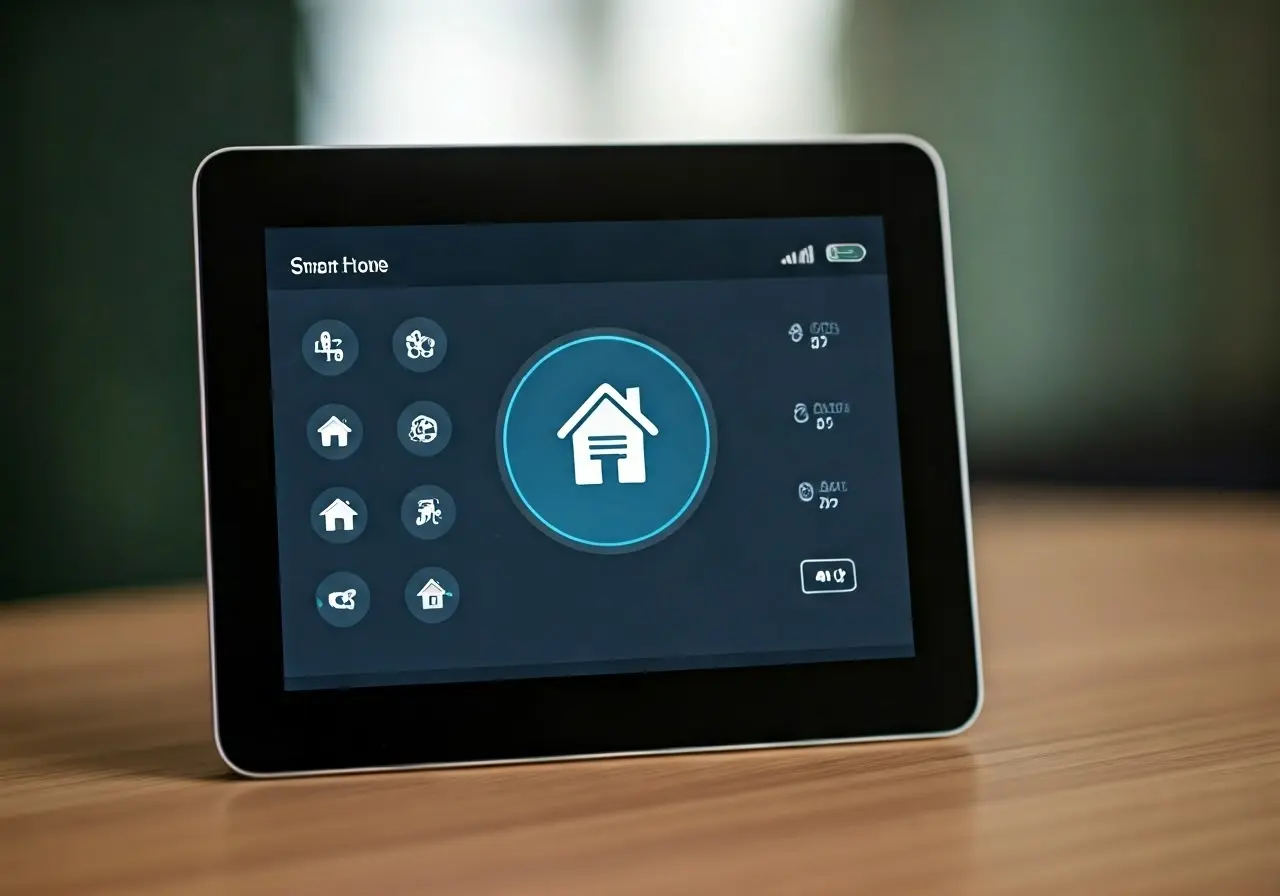
7 Essential Tech Support Tips for Smart Home Automation
In this age of connected living, smart home automation is rapidly becoming a staple in households across the globe. While these systems can make life more convenient, they can also introduce a set of tech challenges. Whether you’re setting up a new system or troubleshooting an existing one, knowing a few key tips can save you valuable time and effort. Let’s dive into some essential tech support tips that will help you manage your smart home automation with ease.
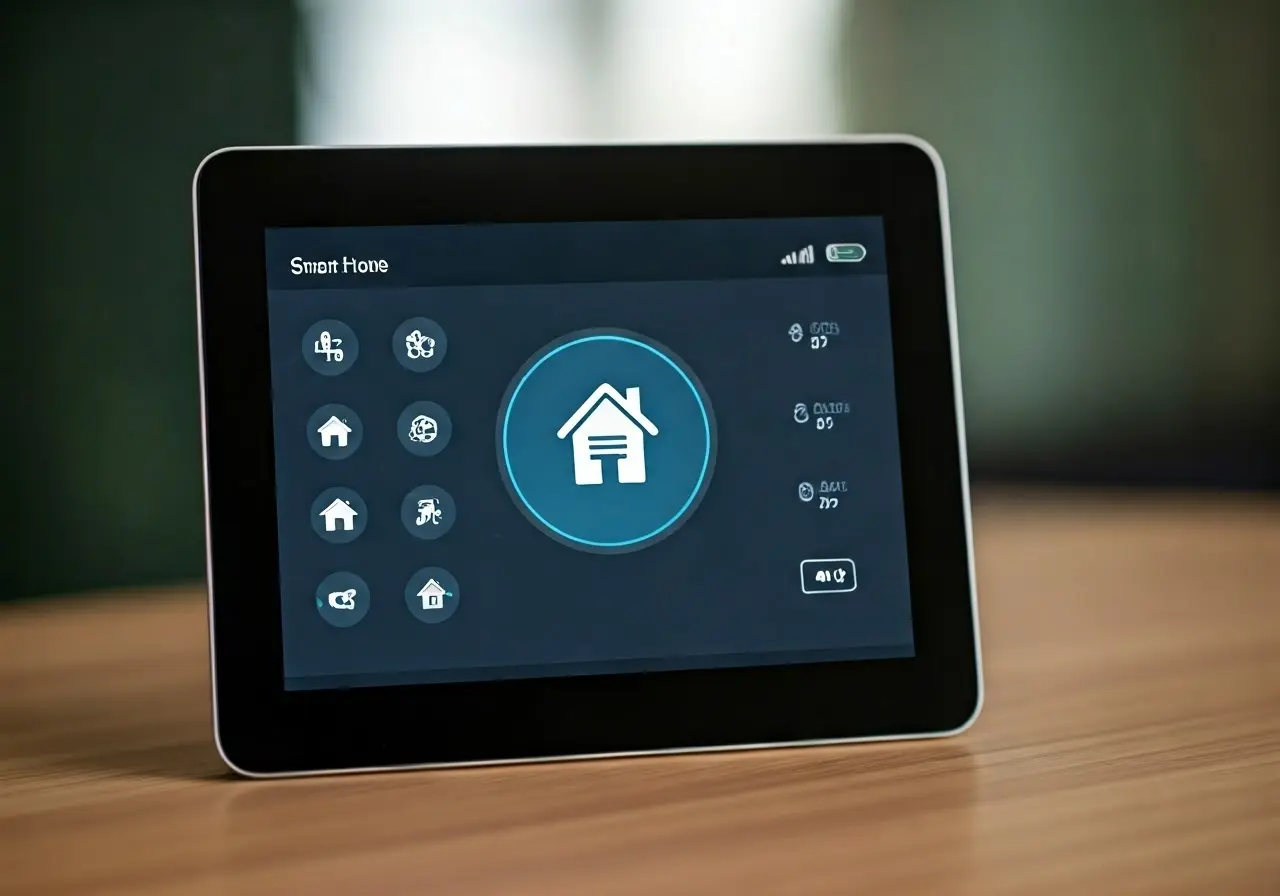
1. Understanding Your Smart Home Network
The backbone of any smart home is its network. Understanding how your Wi-Fi network operates and ensuring it’s optimally configured is crucial. Start with a strong and stable internet connection, and consider investing in a mesh network to eliminate dead zones. With the increased number of connected devices, it’s essential to know the basics of bandwidth and how it affects device performance. If your network cannot handle the demand, you might experience lag or disconnection issues.
Apart from the Wi-Fi setup, getting familiar with the different bands your router can provide is beneficial. Routers today typically offer both 2.4 GHz and 5 GHz bands. While the 2.4 GHz band provides a longer range, the 5 GHz band offers faster speeds and less interference, perfect for devices requiring real-time data like cameras or voice-activated systems. If possible, segmenting your devices between these bands can optimize their performance.
2. Regular Software Updates
Keeping your devices up-to-date is more than just about having the latest features. Software updates often include security patches and bug fixes that improve the overall reliability and security of your smart home devices. Ignoring updates can lead to outdated security protocols, making your network vulnerable to attacks. Set your devices to update automatically if possible, saving you the hassle and ensuring you don’t miss critical updates.
Moreover, regularly updating your smartphone or tablet apps, which serve as interfaces for many smart devices, is equally important. These apps often receive updates that can improve compatibility with newer devices and enhance their user experience. Keeping track of these updates ensures seamless interaction between your devices and the apps that control them, providing a hassle-free smart home experience.
Check for firmware updates too. Firmware updates differ from regular software updates as they often address deeper operational functions of your hardware. Manufacturers release these updates less frequently but they are crucial in maintaining the efficiency and longevity of your devices. Keeping tabs on the manufacturer’s website is helpful, or subscribing to newsletters alerting you to new updates can keep you informed.
3. Device Compatibility Checks
Before purchasing a new gadget, check its compatibility with your existing system. The smoothest smart home experience comes from compatible devices that can communicate seamlessly with each other. Consider systems like Apple HomeKit, Google Assistant, or Amazon Alexa, each offering different ecosystems. Identifying which devices work best within your chosen ecosystem is vital to prevent integration issues later.
Incompatibilities can lead to frustrating user experiences, such as devices failing to respond or not showing up in your designated control app. It’s always a good idea to read user reviews and forums or consult online compatibility checkers provided by tech reviewers. An informed choice helps in building a robust smart home network that operates harmoniously and efficiently.
4. Securing Your Smart Devices
Security should always be a priority. Start by changing default device passwords and enabling two-factor authentication where possible. Regularly review device settings to ensure data privacy. Use encryption where available to protect sensitive data being transmitted across your network. Cyber threats are ever-evolving, and staying ahead with updated security measures is crucial.
To further secure your smart home, consider setting up a dedicated guest network for visitors. This practice limits the exposure of your main network and keeps your devices isolated from potential threats. Also, disconnect devices when they’re not in use, especially those that aren’t frequently used, reducing the entry points for potential malware attacks.
5. Troubleshooting Common Connectivity Issues
Connectivity problems are common but often solvable. Simple solutions include moving devices closer to the router, rebooting devices, or even checking for interference from other electronic devices. Physical obstructions like walls or electronic appliances can hinder Wi-Fi signals, so positioning your router centrally or elevating it can help minimize these issues.
If basic troubleshooting doesn’t work, it might be worth examining your network configuration. Ensure that devices have the latest firmware and that your router uses the appropriate channels with minimal interference. You can use apps or software tools to analyze your Wi-Fi environment and make adjustments as necessary to improve network reliability.
6. Efficient Energy Management
Smart devices can be energy efficient, but they require active management. Use energy monitoring tools to track usage and set schedules for devices to reduce unnecessary power consumption. Home automation systems often include features allowing devices to be programmed to operate efficiently during off-peak hours.
Implementing these practices not only saves energy but also lowers your electricity bills. Many smart plugs and switches offer insights into consumption patterns, providing opportunities to optimize their usage further. This proactive approach assists you in maintaining an eco-friendly lifestyle without compromising your smart home’s performance.
Consider integrating smart thermostats and lighting systems, which automatically adjust based on your habits and routines, optimizing energy usage without any manual inputs. With automated routines, like turning off lights when no motion is detected, smart homes can significantly reduce wastage.
7. Leveraging Professional Support
Sometimes the best option is to call in the experts. Don’t hesitate to reach out to professional tech support when a problem seems beyond your ability to resolve. It can save time and ensure your devices remain operational. Professional services can offer diagnostic insights and repair solutions that are out of reach for most users.
During installation of new devices or systems, professional support ensures that setup procedures adhere to best practices. Knowing when to seek help can prevent small issues from becoming significant problems. Many companies offer remote support, guiding you through troubleshooting steps via phone or video calls, making it possible to solve issues without a home visit.