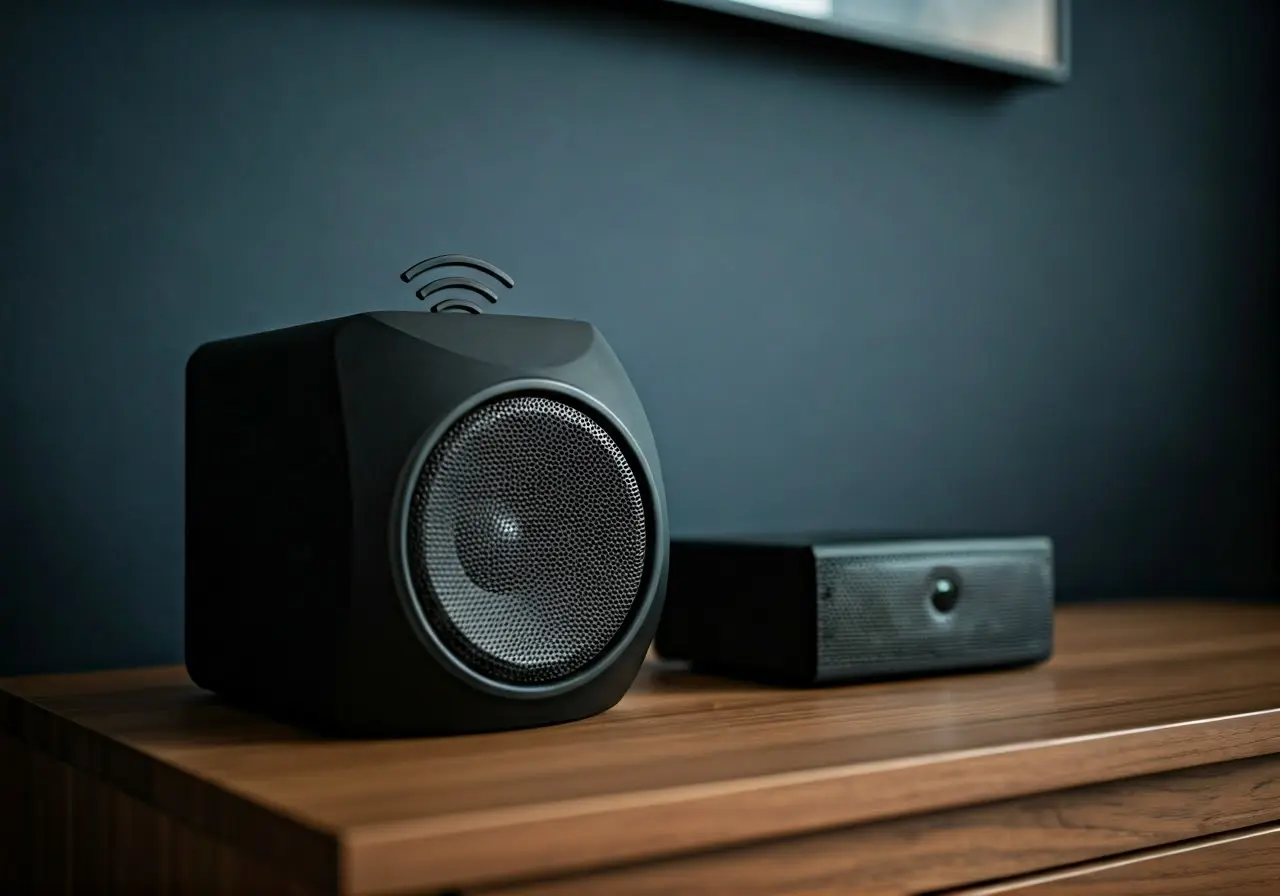
8 Expert Tips for Setting Up Your Wireless Home Theater System
Creating a seamless and immersive home theater experience doesn’t have to be complicated. With the right tips and guidance, you can set up your wireless home theater system like a pro. Here are some expert tips to get you started on transforming your living space into a cinematic paradise.
1. Choosing the Right Equipment
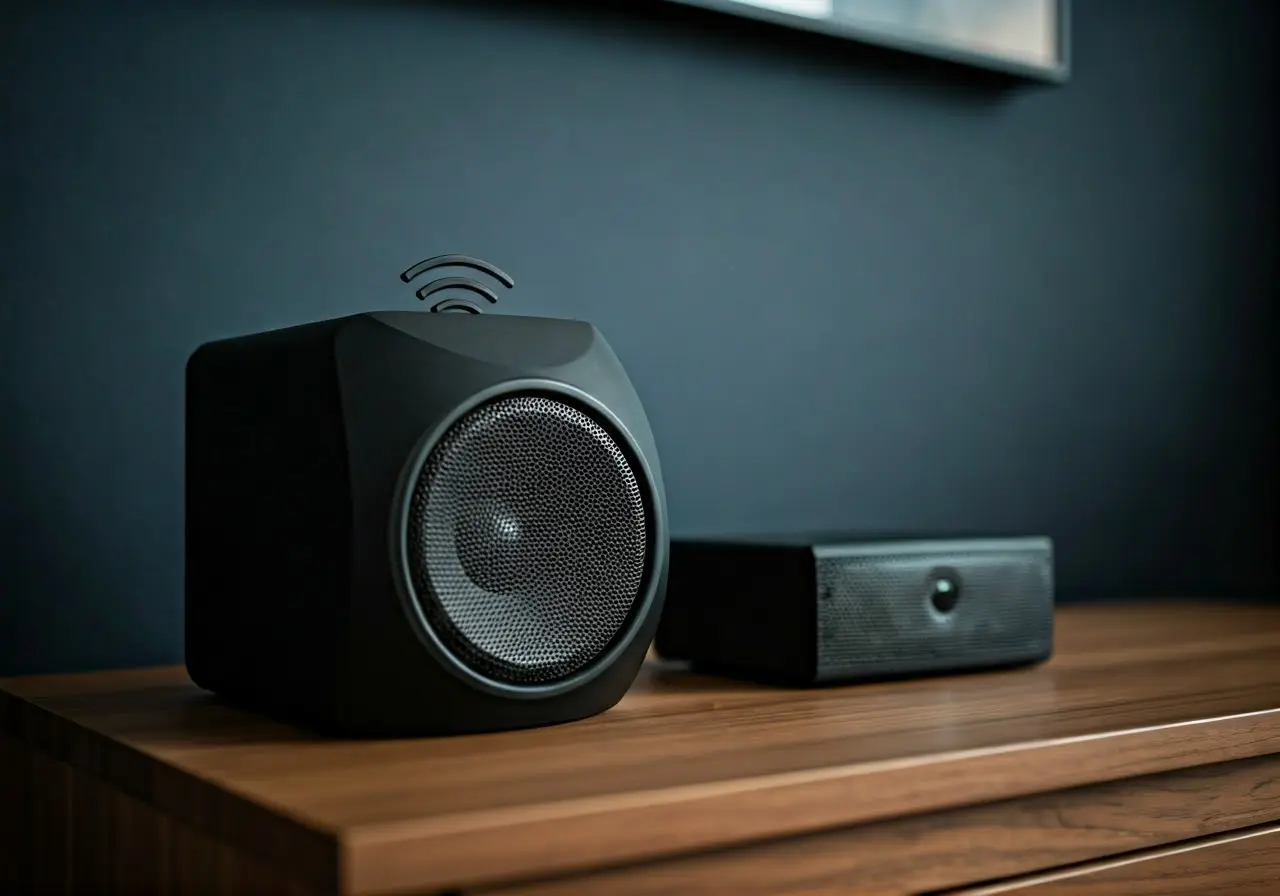
Begin by researching and selecting compatible devices that suit your needs. From soundbars to projectors, the market offers a range of options that can work wirelessly with your existing home setup. It’s crucial to consider the size of your room and the type of content you’ll be consuming. For smaller spaces, a compact soundbar with built-in subwoofers might suffice. However, larger rooms may benefit from a more extensive surround sound system, providing a truly immersive audio experience.
Projectors are another excellent choice for those looking to replicate the cinema feel at home. Consider the lumens rating, which determines the brightness of the projector image. For darker rooms, a lower lumens rating will suffice, but brighter rooms require higher lumens to ensure a clear picture. This research phase is the foundation of your system, so take your time to explore options and read user reviews.
2. Understanding Wireless Connectivity
Explore the different types of wireless connections, such as Bluetooth and Wi-Fi, and learn how to maximize their potential for a stable and high-quality signal throughout your home. Wi-Fi is often preferred for streaming high-definition content due to its superior bandwidth capabilities. When setting up, ensure that your Wi-Fi router can handle the increased load as your home theater system will likely demand more from your network.
Bluetooth can be utilized for connecting individual components like headphones or auxiliary speakers. It provides flexibility and allows you to quickly change the setup or add new devices without additional wiring. However, Bluetooth range and quality can be limited, so it’s best used for short-distance connections.
3. Optimizing Speaker Placement
Find out the best way to position speakers for ideal sound distribution. This section covers common layouts and tips for avoiding common pitfalls like sound distortion and echo. A typical setup includes placing the primary speakers at ear level and angling them towards the seating area. Placing the subwoofer in a corner can enhance bass response and deliver a fuller range of sound.
For surround sound, consider elevating rear speakers to prevent muffled audio and ensure a crystal-clear listening experience. Pay special attention to reflections from large furniture and walls, as they can cause echoes and disrupt sound clarity. Experiment with different setups to find the optimal configuration tailored to your space.
4. Managing Cables and Wires
Even with wireless systems, some cables are unavoidable. Get practical advice on how to organize and hide these for a clean, uncluttered look. Use cable management sleeves or channels to bundle and conceal wires along baseboards or underneath furniture. This not only improves the aesthetics of your space but also reduces the risk of tripping over loose cables.
Wireless systems also typically require fewer cables, making it easier to maintain a clutter-free environment. However, strategic planning during the setup phase can further minimize visible wiring. Consider using fabric cable covers that match your existing decor or opt for hollow cord covers for a more polished look.
5. Calibrating Audio and Visual Settings
Take your viewing experience up a notch by fine-tuning settings on your devices. This includes adjusting sound levels and screen settings for the most vivid images. Start by accessing your device’s audio settings and experimenting with different modes like ‘movie’, ‘music’, or ‘game’ to find what sounds best. Adjust the graphic equalizer settings to match the acoustics of your room.
Screen calibration is equally important. Most TVs and projectors come with preset modes that can be used as a base. Use tools or guides to adjust contrast, brightness, and color settings for optimal picture quality. A properly calibrated system enhances the overall immersion, making every viewing experience enjoyable and satisfying.
6. Setting Up Streaming Services
Explore popular streaming platforms and understand how to integrate them into your home theater system, ensuring smooth and uninterrupted access to all your favorite shows and movies. Platforms such as Netflix and Amazon Prime Video often come with apps built into smart TVs, eliminating the need for additional devices. However, streaming sticks or boxes offer versatility and can support a broader range of services and formats.
To optimize streaming, ensure that your home internet connection provides sufficient speed and bandwidth. If possible, connect your main streaming device directly to the router via Ethernet for a more stable and fast connection. Familiarize yourself with the settings of your streaming device to customize viewing preferences, parental controls, and resolution preferences.
7. Creating the Perfect Viewing Environment
Transform your room into a cozy viewing environment with tips on lighting, seating, and soundproofing to enhance your overall experience. Adjustable lighting allows for ambiance control without distracting glare. Consider blackout curtains to block out external light sources and reduce room reflection.
Seating is another key element in achieving comfort. Whether you prefer a cozy couch or specialized home theater seating, ensure that your seating arrangement allows for an unobstructed view of the screen. In terms of soundproofing, explore options such as acoustic panels or heavy drapes, which can minimize exterior noise intrusion and maximize sound quality within the room.
8. Troubleshooting Common Issues
Be prepared to handle technical glitches like connectivity drops and interference. This section provides solutions to common problems you might encounter with wireless systems. Regularly update device firmware to ensure optimal performance and compatibility with wireless protocols.
Interference from other household electronics can cause connectivity issues. To mitigate this, avoid placing your wireless devices near microwaves, cordless phones, or other potential sources of interference. If experiencing persistent issues, consider using a wireless range extender to boost signal strength in problematic areas.