15 Expert Tech Support Tactics for Seamless AV Integration
Integrating audio-visual (AV) technology smoothly into any environment can be a daunting task. But fear not! With the right tactics, even the most complex setups can become a breeze. Whether you’re a seasoned tech professional or a novice, this guide will walk you through expert strategies to nail AV integration without a hitch.
1. Understanding the Fundamentals of AV Technology
Before diving into the specifics, it’s crucial to grasp the basics of AV technology. Understanding how audio and visual components work together lays the groundwork for effective integration. Start by exploring the role of codecs, the formats that encode or decode a digital data stream, and how they impact video quality. Additionally, familiarize yourself with concepts such as resolution, frame rate, and aspect ratio, all of which affect video display quality.
Beyond the visuals, audio plays an equally important role. Delve into the types of microphones and speakers best suited for different settings. For instance, directional microphones are ideal for busy environments as they pick up sound primarily from one direction. Understanding these elements will help you create an AV system that ensures excellent audio and visual synchronization.
2. Preparing a Detailed Integration Plan
A well-documented plan is your best friend. Start by assessing the space and listing all the AV components needed. This preparation will save time and prevent potential problems during the installation. Begin with a rough sketch of the room layout, marking where each component will go. Pay attention to potential obstacles like windows, doors, and furniture that could affect sound transmission and screen visibility.
Next, dive deeper into the technical requirements. Create an inventory of all devices and their specifications, such as power requirements and connectivity options. This step ensures you have all the necessary adapters and cables for a smooth setup. By consolidating this information, you’ll be better equipped to tackle installation hiccups, paving the way for a quick and efficient AV integration.
3. Choosing the Right Equipment for Your Needs
Selecting equipment that matches your specific requirements ensures functionality and avoids compatibility issues. Consider factors like room size, acoustics, and intended use before purchasing. Larger rooms may need multiple speakers to distribute sound evenly, while smaller spaces might benefit from a compact soundbar.
Additionally, evaluate the purpose of your AV setup. Is it for corporate presentations, dynamic live events, or home theater experiences? Different scenarios demand varied equipment. For instance, interactive whiteboards and touchscreen displays are excellent for collaborative settings, whereas high-definition projectors and surround sound systems enhance cinematic experiences. By aligning your equipment choices with your objectives, you can achieve an optimized setup that’s both effective and efficient.
4. Ensuring Compatibility Among Devices
Compatibility is key in AV setups. Make sure all devices are compatible with each other to eliminate communication breakdowns that can disrupt the integration process. Begin by checking the input and output options of each device. HDMI is the most commonly used interface for high-definition video and audio, but newer standards like DisplayPort and Thunderbolt may offer better performance in certain scenarios.
Use conversion adapters sparingly, as they may introduce latency or degrade signal quality. Instead, opt for direct connections whenever possible. Also, consider using a universal remote or centralized control system to streamline operations. These systems can automate processes, allowing users to switch inputs, adjust volumes, and manage settings from a single interface, ensuring a seamless experience for both operators and audiences.
5. Implementing Effective Cable Management
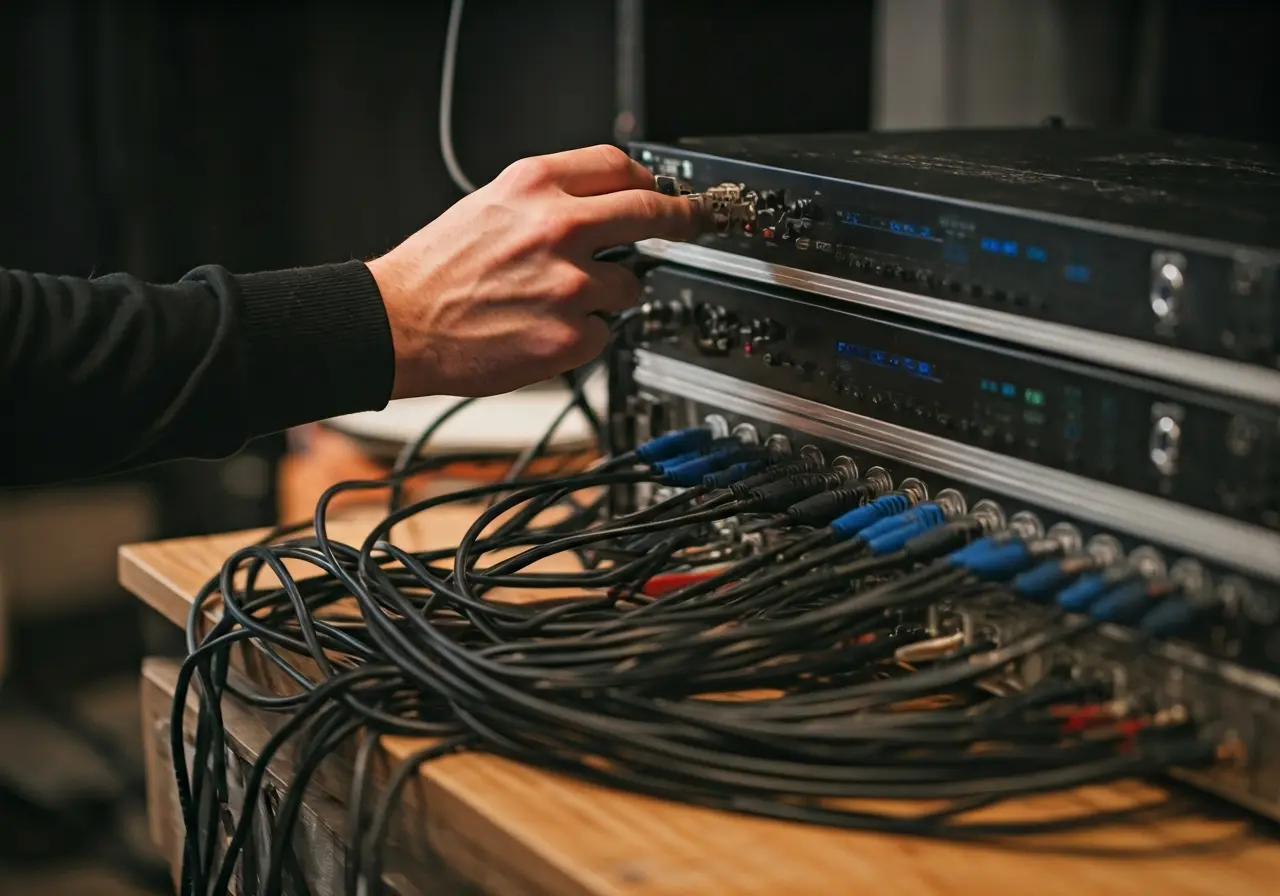
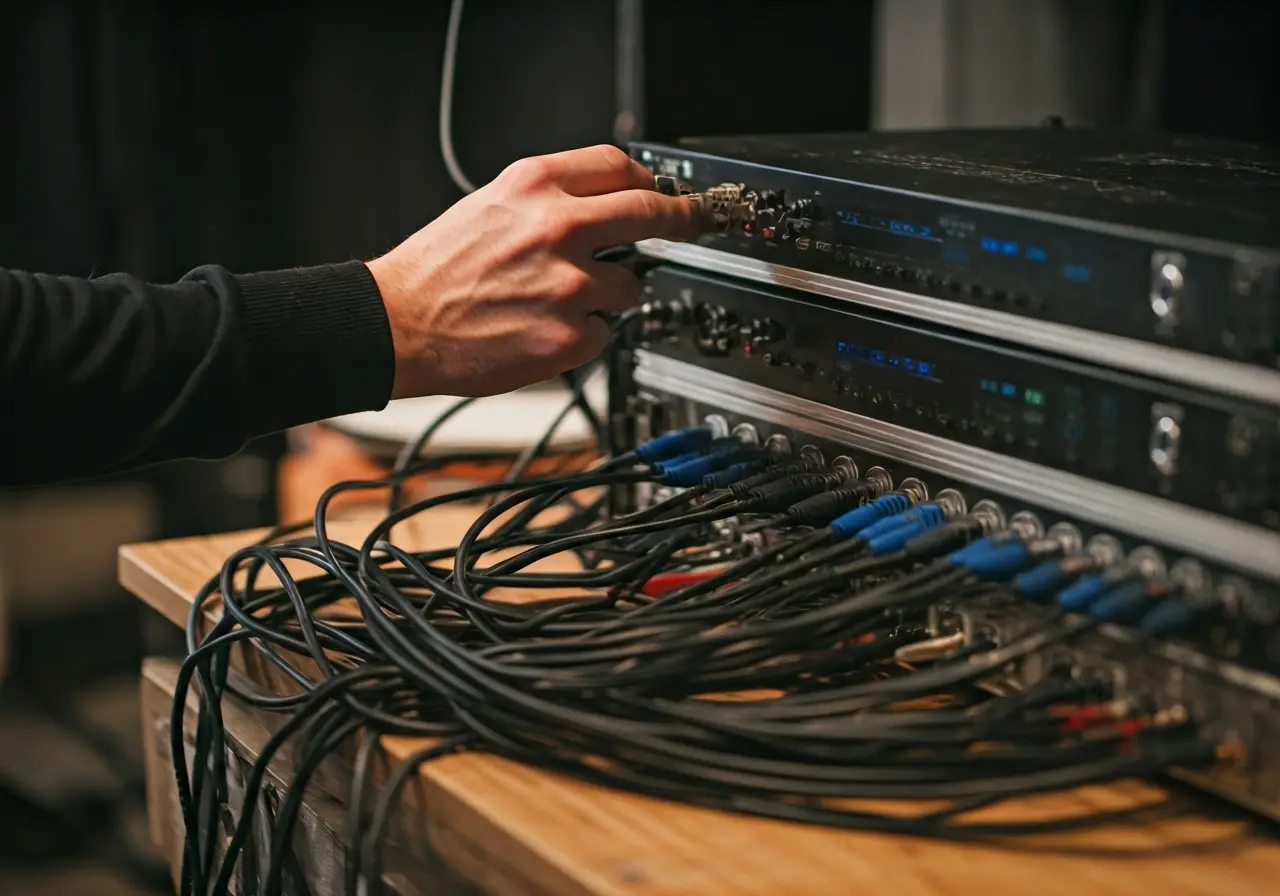
Good cable management not only improves aesthetics but also enhances safety and functionality. Label and organize cables meticulously to simplify troubleshooting later on. Use cable ties, sleeves, and raceways to keep cords tidy and prevent tangling. This practice not only prevents potential tripping hazards but also reduces signal interference and prolongs the life of your cables.
When setting up a large-scale AV installation, consider using color-coded cables. Assign different colors to each component type—such as audio, video, power, and data—making it easier to identify and trace connections. This approach streamlines maintenance and troubleshooting, saving time and minimizing frustration down the road. With a bit of effort, managing your cables effectively can transform a chaotic jumble into a neat, organized setup.
6. Optimizing the Acoustics of the Space
Sound quality can make or break your AV setup. Tailor the acoustics of the room to minimize echoes and ensure optimal audio performance for an immersive experience. Start by considering the materials and layout of the space. Hard surfaces like glass and tile can cause sound to reflect, creating echoes, whereas soft furnishings absorb sound, reducing unwanted reverberation.
Consider using acoustic panels and diffusers to control sound reflections. Strategic placement of these elements can enhance speech intelligibility and overall sound quality. Moreover, pay attention to the sound calibration of your speakers. Position them at optimal angles and heights to ensure sound is evenly distributed throughout the room, allowing every listener to experience clear and balanced audio.
7. Calibrating Visual Displays for Clarity
Achieving crisp, clear visuals is essential. Regularly calibrate displays to maintain optimal picture quality, taking into account lighting changes and screen positioning. Start by adjusting the brightness, contrast, and color settings to suit the room’s lighting conditions. Too much glare or dimness can cause eye strain and affect viewer enjoyment.
Additionally, ensure that your screens are correctly aligned and free from obstructions. Use projector screens with appropriate gain levels to optimize picture brightness and visibility. Regular maintenance, such as dusting and checking for firmware updates, can further enhance performance. By prioritizing visual clarity, you can create an engaging and productive audiovisual experience.
8. Utilizing Software for Seamless Integration
Leverage software tools designed to streamline AV integration. These tools can automate tasks, monitor system health, and provide real-time updates. For instance, custom control interfaces allow for intuitive operation, enabling users to manage various devices from a central touchscreen or mobile application.
Moreover, software solutions that offer remote monitoring can be invaluable for larger installations. Such systems can proactively identify potential issues and send alerts when maintenance is needed, reducing downtime and ensuring a smooth experience. By integrating these software capabilities into your AV setup, you can elevate functionality and user convenience while keeping technical disruptions at bay.
9. Training End Users for Smooth Operation
Empowering users with the knowledge to handle the AV system is crucial. Conduct thorough training sessions to ensure they can operate the system confidently and independently. Begin with an overview of the system’s capabilities, followed by step-by-step instructions on managing basic and advanced functionalities.
Incorporate interactive demonstrations and hands-on practice to reinforce learning. Construct easy-to-follow user manuals with annotated diagrams and troubleshooting tips. Additionally, offer continuous support through workshops or helplines, ensuring users are never left in the lurch. These efforts can minimize errors and foster a sense of ownership, leading to a seamless and productive AV environment.
10. Keeping Up with Industry Trends and Innovations
The AV industry is rapidly evolving. Stay updated with the latest trends and innovations to incorporate cutting-edge solutions into your integrations. Attend industry conferences, subscribe to leading tech publications, and join online forums to keep your finger on the pulse of emerging technologies.
Focus on advancements such as wireless AV technology, which offers more flexibility and reduces dependence on physical connections. Explore developments in artificial intelligence that can enhance AV systems’ capabilities, such as voice recognition and automated adjustments. By embracing innovation, you’ll not only keep your setups current but also anticipate the needs and expectations of tomorrow’s tech-savvy users.