Can I Install a 5.1 Home Theater System with Wireless Rear Speakers in Any Room?
Setting up a 5.1 home theater system with wireless rear speakers can transform any room into a personal cinema. But can you really install it in just any room? Let’s explore the possibilities together.

Understanding the Basics of a 5.1 Home Theater System
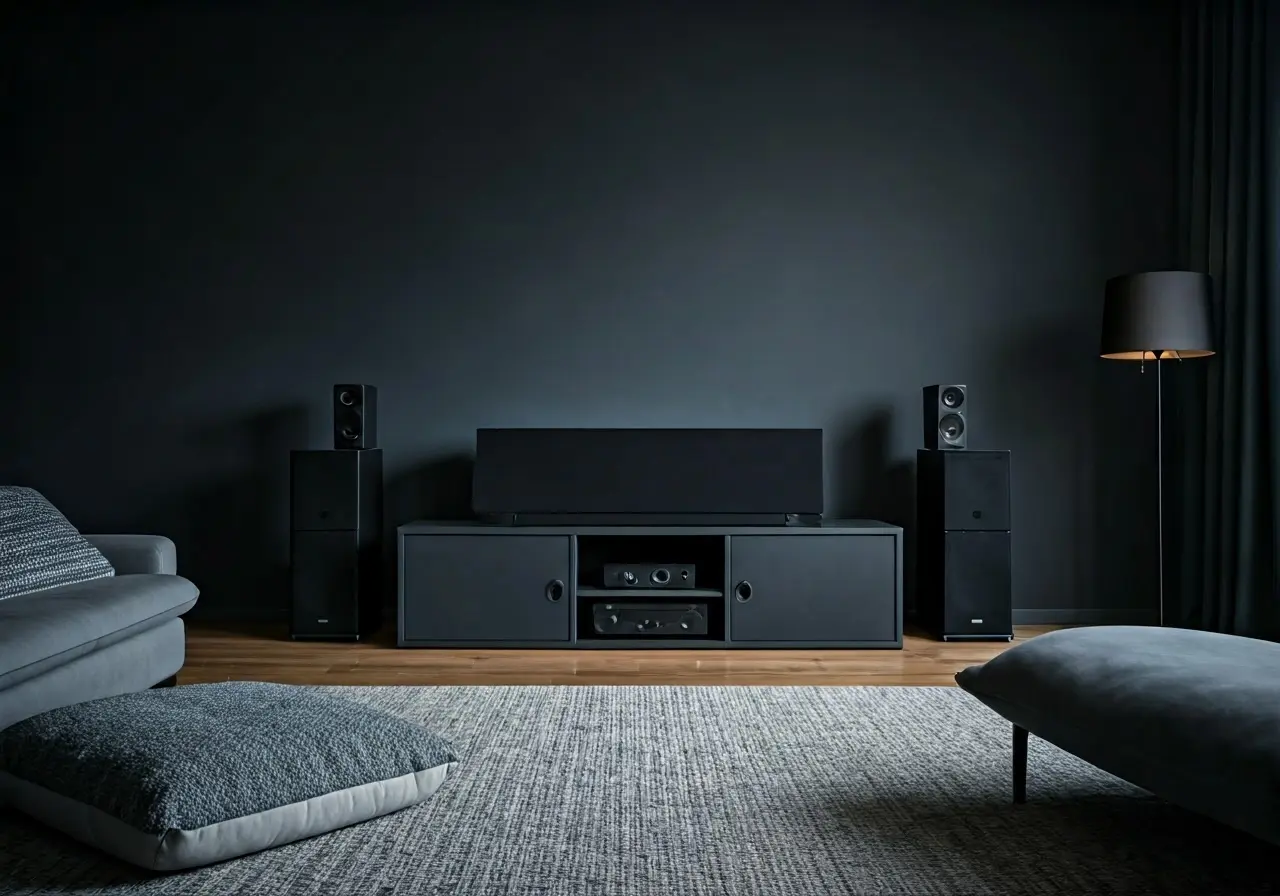
Before diving into installation, it’s crucial to understand what a 5.1 home theater system with wireless rear speakers is and how it enhances your audio experience. A 5.1 system typically includes five speakers and a subwoofer, strategically placed to envelop listeners in sound, making it feel like the action is unfolding right in your room. Key components include front left and right speakers, a center speaker, two wireless rear speakers, and a subwoofer. The wireless rear speakers, in particular, enhance the surround sound feature by providing greater flexibility in placement and interactive sound that envelopes you from all angles.
Wireless rear speakers, like those in a 5.1 setup, minimize the clutter of cables while delivering rich, theater-like audio quality. These systems replace the cumbersome wired connections, allowing users more freedom to position speakers optimally without worrying about tripping over cables or compromising aesthetic appeal. Understanding how the signals work between your receiver and these wireless speakers is key to achieving that perfect audio setup.
Assessing Room Suitability
Not every room is created equal for sound systems. Learn what factors to consider, like room size, shape, and acoustics, to determine if your preferred space is suitable for installation. A rectangular room tends to be ideal for acoustics, reducing sound wave bounces that distort audio. Consider also the size—larger spaces might require more powerful speakers or additional components to fill the room effectively.
Consider the materials in your room as well; hard surfaces like tiles and glass can reflect sound, leading to echoes, while soft furnishings like carpets and curtains can absorb sound, reducing its impact. Ideally, your room will have a mixture of both to create balanced acoustics. Check out ways to enhance your room acoustics.
Selecting the Right Equipment
Choosing the correct components is key to setting up your system. Understand the importance of picking wireless rear speakers that match your room’s needs. When selecting equipment, consider the power output, compatibility with your existing media devices, and the wireless range of the rear speakers.
To avoid internet dropouts, opt for speakers that offer robust wireless connectivity features. Some models come with built-in Wi-Fi and Bluetooth capabilities for seamless integration and flexibility. It’s also essential to pair your wireless rear speakers with an AV receiver that supports advanced surround sound codecs such as Dolby Digital and DTS. Our Sonos setups can provide inspiration for selecting the right equipment tailored to your environment.
Setting Up Your System
Get step-by-step advice on placing speakers and configuring your system for the best sound quality, ensuring you have the ultimate home theater experience. To start, decide on the optimal art of your room to place the system. Your TV or projector should be the focal point. The front speakers should flank this focal point, while the center speaker should be placed directly above or below the screen.
Position your wireless rear speakers towards the back of the room, ensuring they are at ear level when seated. This placement enhances the surround sound effect by accurately delivering ambient sounds and special effects. Use a sound calibration tool or software to automatically adjust the audio settings for optimal sound delivery, accounting for room acoustics and furniture arrangements.
If any audio delay or interference occurs, debunk issues by inspecting the network stability, as unreliable connections can result in audio dropouts. Ensuring that your wireless network is free of obstacles and operates in the correct frequency band can usually solve these problems. As a precaution, consult a home theater setup guide for more extensive tips on speaker arrangements.
Troubleshooting Common Issues
Encountering problems? Discover solutions to common setup challenges and how to maintain wireless connectivity for continuous enjoyment. The most common issue in wireless setups is latency or delays caused by signal interference. This can often be mitigated by ensuring good line-of-sight between your receiver and rear speakers when possible.
For connectivity problems, verifying that your speakers and receivers are running the latest firmware can resolve many software-based issues. Keeping your devices updated ensures compatibility with the latest audio codecs and wireless standards. By troubleshooting these common issues, you ensure a seamless audio experience that consistently delights.
If all else fails, consider consulting professional services to aid in configuring your home theater system. CO-DA offers expert advice and setup solutions to optimize your sound setup, ensuring everything runs smoothly from day one.
Final Thoughts on Installing Your Wireless 5.1 Home Theater
Installing a 5.1 home theater system with wireless rear speakers in any room is entirely achievable with some planning and the right considerations. By assessing your room and selecting the appropriate equipment, your movie nights will reach a whole new level of entertainment.